


Choose the denominator
Enter the follower or impression count for the same reporting period as the post. Do not substitute reach for impressions without changing the label and explaining the definition.
Calculate interactions divided by followers or impressions. See the formula and compare like for like.
Free browser-based utility. No social login, no API quota, no account required.
Enter the follower or impression count for the same reporting period as the post. Do not substitute reach for impressions without changing the label and explaining the definition.
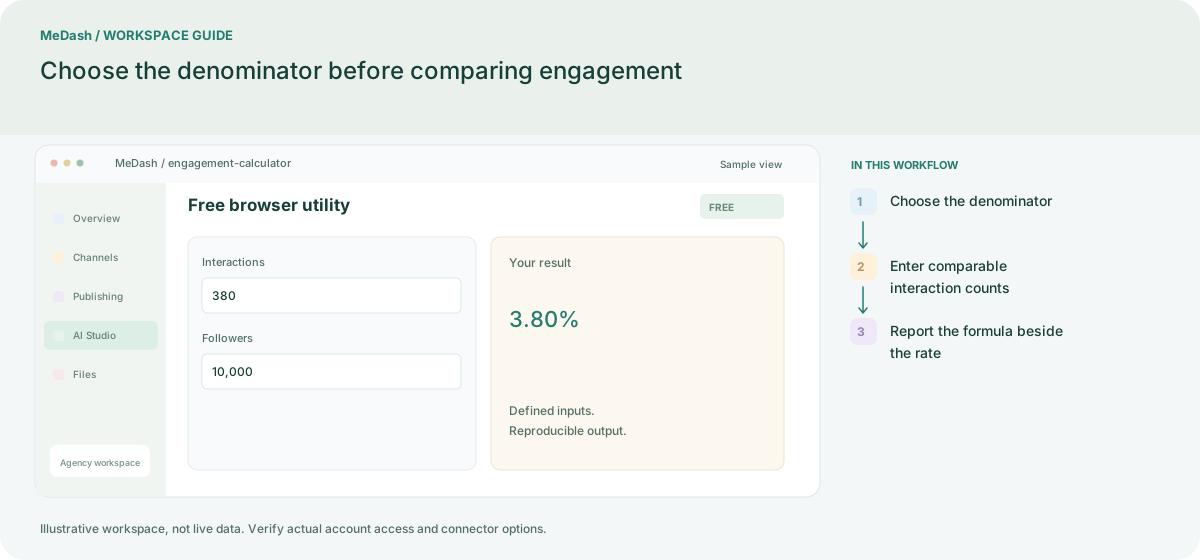
Add likes, comments and shares using the definitions stated in your report. With 320 likes, 42 comments and 18 shares, the numerator is 380; a 10,000 follower denominator gives 3.80%.
The same 380 interactions divided by 20,000 impressions gives 1.90%. Keep the formula and time window next to the result so another person can reproduce the calculation.
A post with 320 likes, 42 comments and 18 shares has 380 interactions. With 10,000 followers the rate is 3.80%; with 20,000 impressions it is 1.90%. Keep the post period and denominator on the report.
Enter the follower or impression count for the same reporting period as the post. Do not substitute reach for impressions without changing the label and explaining the definition. The same 380 interactions divided by 20,000 impressions gives 1.90%. Keep the formula and time window next to the result so another person can reproduce the calculation.
An operating example, not a customer case study or a performance promise.
| Task | Separate preparation | With MeDash |
|---|---|---|
| Rate calculation | Compare percentages whose denominators are not recorded. | Enter the interaction total and choose followers, reach or impressions explicitly. |
| Zero baseline | Divide by an empty audience count and report a misleading rate. | Provide a positive baseline before using the result in a report. |