


Assemble the actual card
Enter the display name and complete caption, then optionally choose your own image. Changes appear immediately in the browser without connecting a social account.
Preview a caption and your own image in a simple social card before scheduling.
Free browser-based utility. No social login, no API quota, no account required.
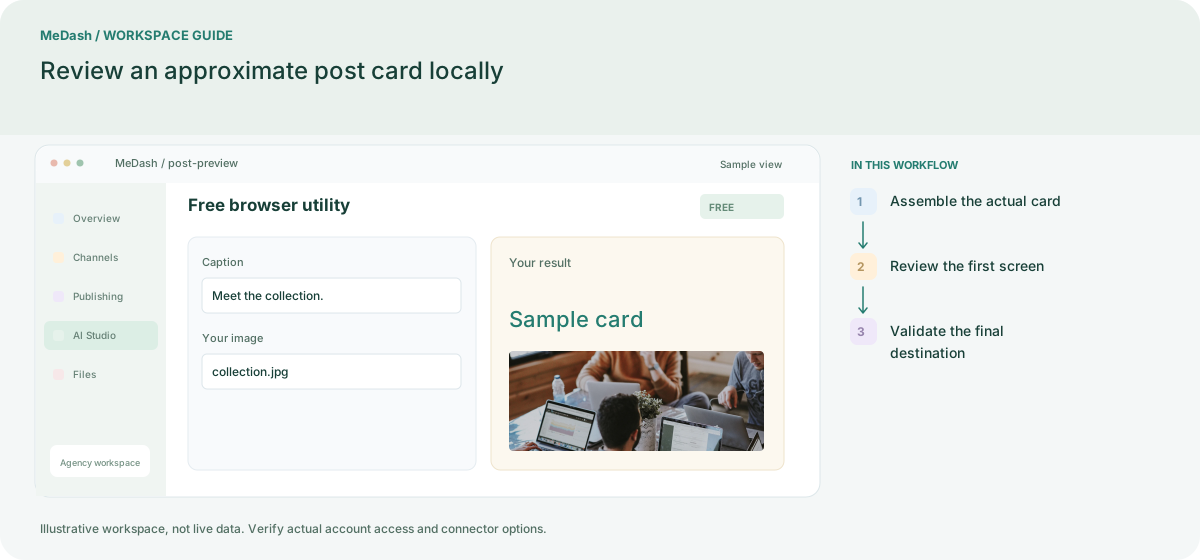
Enter the display name and complete caption, then optionally choose your own image. Changes appear immediately in the browser without connecting a social account.
Check the opening line, product name, visual hierarchy and call to action together. Put essential information in the caption rather than relying only on small text inside the image.
Treat the card as a preparation preview. The destination platform controls crop, truncation and link metadata, so verify the final connected editor before scheduling.
Use the preview to check the first lines, product names and visual hierarchy. It cannot reproduce every destination’s truncation, link metadata or media crop; confirm those details in the platform or publishing editor before release.
Enter the display name and complete caption, then optionally choose your own image. Changes appear immediately in the browser without connecting a social account. Treat the card as a preparation preview. The destination platform controls crop, truncation and link metadata, so verify the final connected editor before scheduling.
An operating example, not a customer case study or a performance promise.
| Task | Separate preparation | With MeDash |
|---|---|---|
| Reading order | Review copy independently of the accompanying image. | Check the sample card’s opening, image hierarchy and call to action together. |
| Final rendering | Assume a sample card reproduces the live network exactly. | Use the preview for preparation, then validate cropping and truncation at the destination. |