


Choose an owned image
Open a JPEG, PNG or WebP file within the tool limits. The selected file is processed in your browser; it is not uploaded for this resize operation.
Fit your own image to square, portrait or story dimensions and download it locally.
Choose an image to begin.
Free browser-based utility. No social login, no API quota, no account required.
Open a JPEG, PNG or WebP file within the tool limits. The selected file is processed in your browser; it is not uploaded for this resize operation.
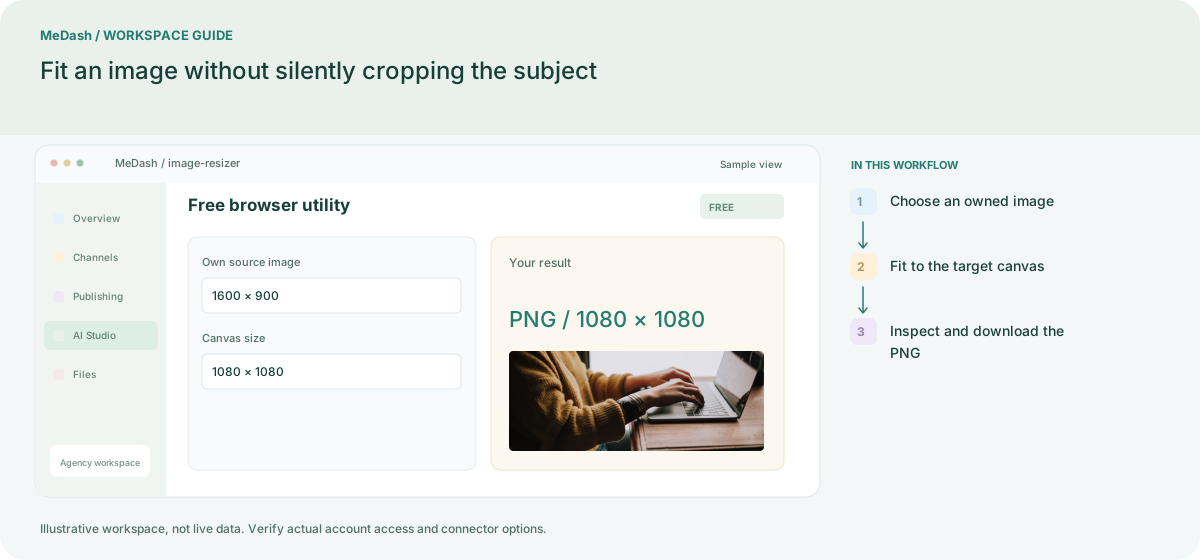
Select a square, portrait, vertical or link-card canvas. The full image scales proportionally inside it with white padding where needed; this protects the subject instead of cropping silently.
Review small text, margins and the main subject, then download the PNG. A 1600 × 900 image fitted to a square keeps its landscape composition with space above and below.
A 1600 × 900 landscape image fitted to 1080 × 1080 becomes a 1080 × 607.5 proportional image before pixel rounding, leaving vertical padding. It is a fit operation, not a crop editor. Check small text after resizing.
Open a JPEG, PNG or WebP file within the tool limits. The selected file is processed in your browser; it is not uploaded for this resize operation. Review small text, margins and the main subject, then download the PNG. A 1600 × 900 image fitted to a square keeps its landscape composition with space above and below.
An operating example, not a customer case study or a performance promise.
| Task | Separate preparation | With MeDash |
|---|---|---|
| Canvas choice | Stretch a source photo to match a target size. | Fit the image to the chosen canvas while checking padding and proportions. |
| Export review | Overwrite the original before checking the final creative. | Download the prepared output and keep the original asset for later changes. |