


Choose the denominator before comparing engagement
Choose the denominator before comparing engagement: Enter the interaction total and choose followers, reach or impressions explicitly.; Provide a positive baseline before using the result in a report.. Includes a review example.
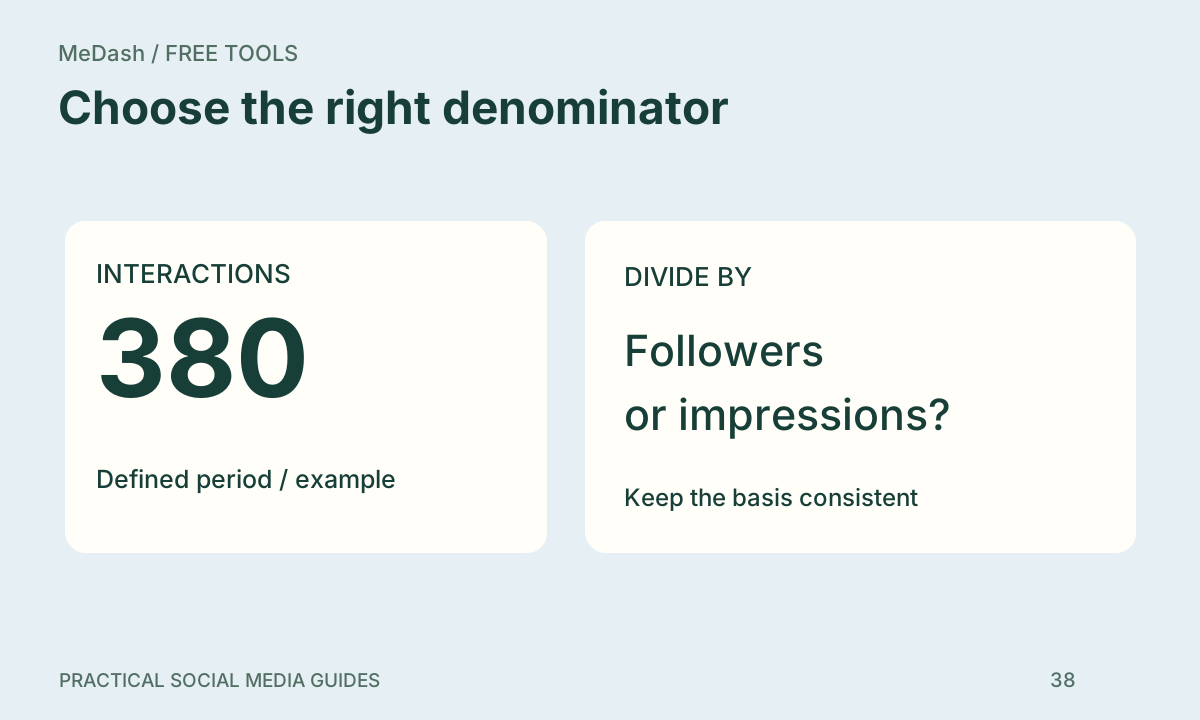
Choose the denominator before comparing engagement: practical steps, handoffs and completion checks.
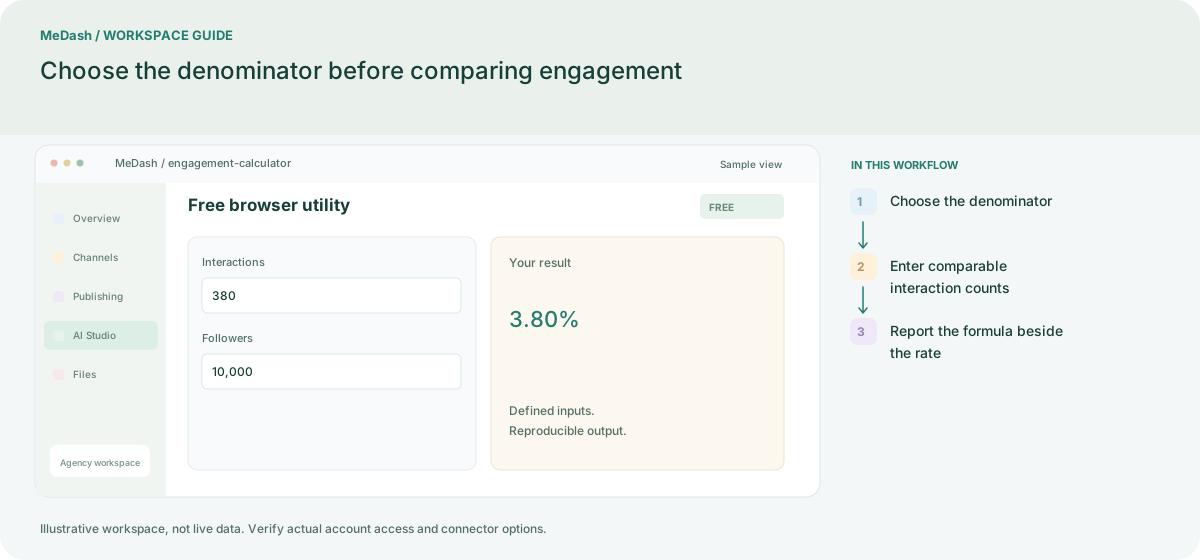
Choose the denominator
Enter the follower or impression count for the same reporting period as the post. Do not substitute reach for impressions without changing the label and explaining the definition.
Enter comparable interaction counts
Add likes, comments and shares using the definitions stated in your report. With 320 likes, 42 comments and 18 shares, the numerator is 380; a 10,000 follower denominator gives 3.80%.
Report the formula beside the rate
The same 380 interactions divided by 20,000 impressions gives 1.90%. Keep the formula and time window next to the result so another person can reproduce the calculation.
What to check in this workspace
A post with 320 likes, 42 comments and 18 shares has 380 interactions. With 10,000 followers the rate is 3.80%; with 20,000 impressions it is 1.90%. Keep the post period and denominator on the report.
Choose the denominator before comparing engagement
Enter the follower or impression count for the same reporting period as the post. Do not substitute reach for impressions without changing the label and explaining the definition. The same 380 interactions divided by 20,000 impressions gives 1.90%. Keep the formula and time window next to the result so another person can reproduce the calculation.
Separate preparation and workspace handoffs
| Task | Separate preparation | MeDash |
|---|---|---|
| Rate calculation | Compare percentages whose denominators are not recorded. | Enter the interaction total and choose followers, reach or impressions explicitly. |
| Zero baseline | Divide by an empty audience count and report a misleading rate. | Provide a positive baseline before using the result in a report. |
Completion checklist
- Enter the interaction total and choose followers, reach or impressions explicitly.
- Provide a positive baseline before using the result in a report.