


Build social campaign UTM links without breaking your reporting
A naming convention and a worked campaign example for consistent source, medium and content tags.
Give each tag one clear purpose
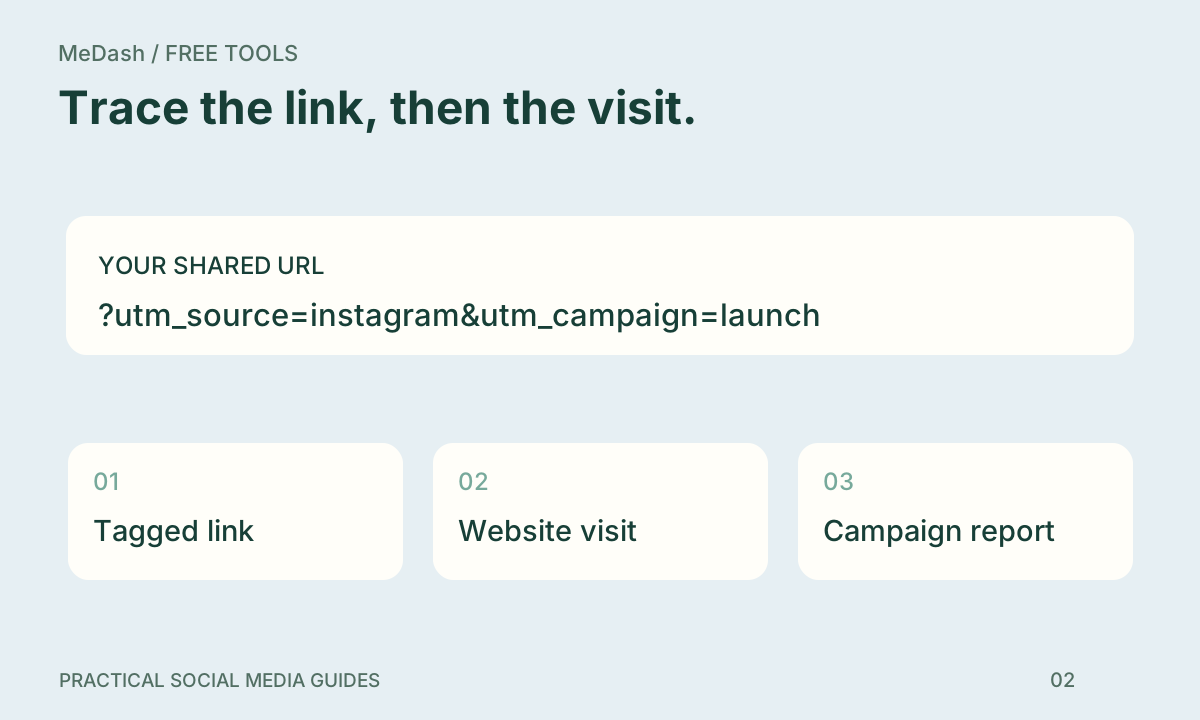
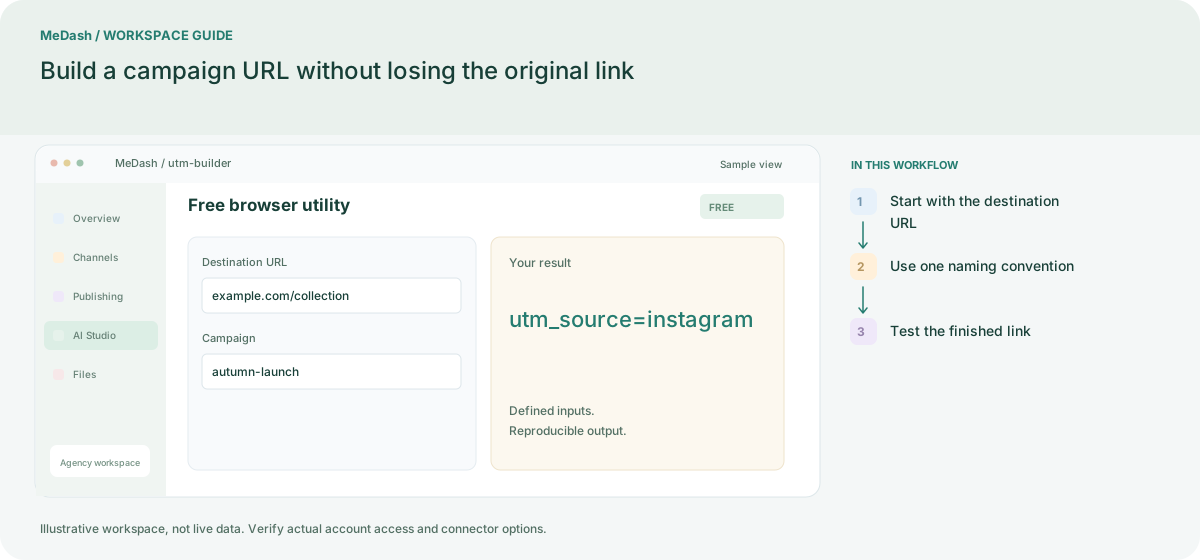
Use utm_source for the platform, utm_medium for the channel type and utm_campaign for the campaign. For a launch on Instagram, use source=instagram, medium=social and campaign=autumn-launch. Add utm_content to distinguish a story from a feed post. Use lowercase consistently because many analytics systems treat case variants as separate values.
Example: two links, one campaign
The same landing page can use utm_content=story-a for a story and utm_content=feed-a for a feed post. Keep the campaign name unchanged. Your report can then group the campaign while separating content placements.
What a UTM link can and cannot tell you
UTM parameters identify the link that brought a recorded visit. They do not prove that a post caused a sale. Browser privacy, consent, redirects and cross-device behavior can change attribution. Never put names, email addresses or private customer identifiers inside public URL parameters.
Before publishing
- Open the destination URL and verify HTTPS.
- Keep existing query parameters and anchors.
- Choose documented source, medium and campaign values.
- Test the final link and your analytics collection.
The free campaign URL builder preserves the URL structure while encoding your tags. Review publishing workflows when you are ready to schedule.