


Social image resizing: fit, crop and export dimensions
Prepare square, portrait, vertical and link-card images while keeping the original creative intact.
Canvas size and image size are different
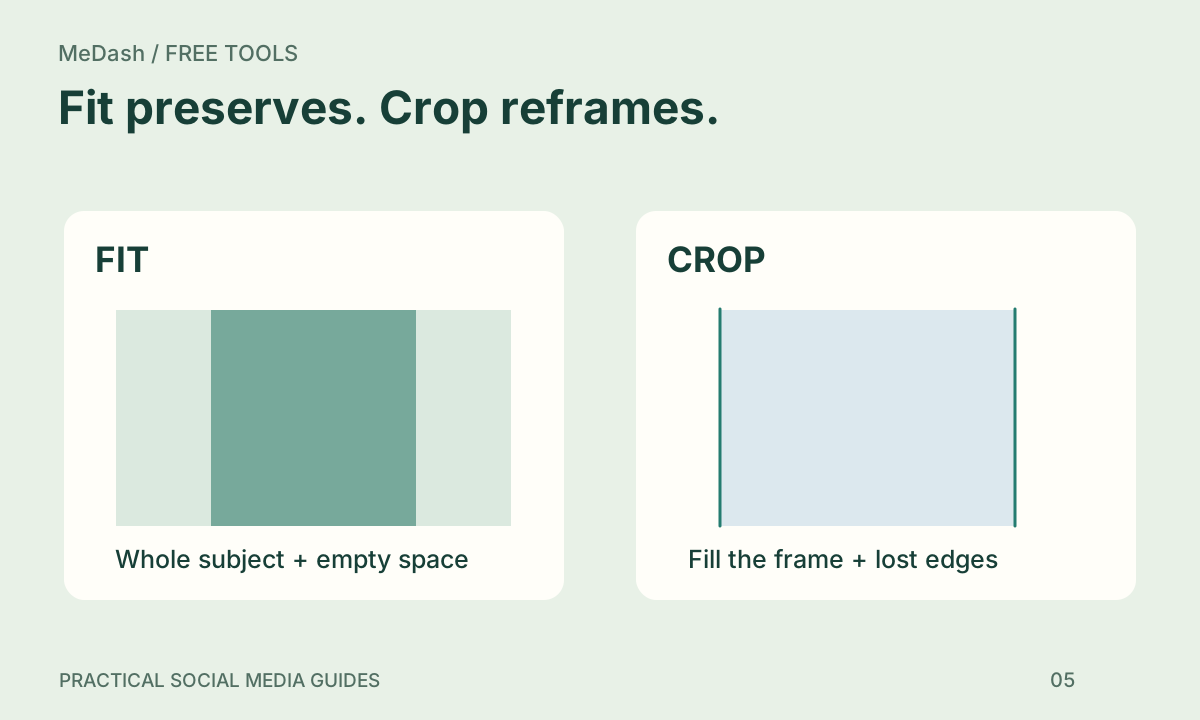
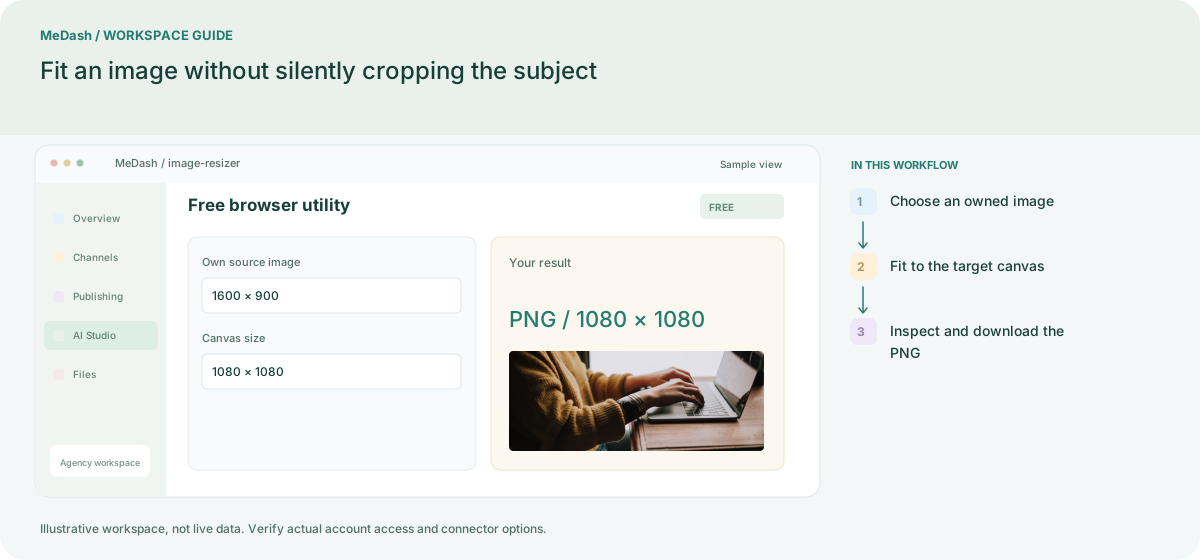
A 1600 × 900 image fitted inside a 1080 × 1080 canvas becomes 1080 × 608 pixels, rounded for display, with padding above and below. The content remains intact. Cropping to fill the square would instead remove the sides. Choose the behavior that protects the important subject and text.
Useful preparation dimensions
| Shape | Example dimensions |
|---|---|
| Square | 1080 × 1080 |
| Portrait | 1080 × 1350 |
| Vertical | 1080 × 1920 |
| Link card | 1200 × 630 |
These are preparation presets, not a promise that every platform accepts every media format. Check the destination’s current specifications and the connected account’s publishing capability.
Check the exported result
Keep text away from edges, inspect small details on a mobile screen and avoid repeatedly recompressing the same file. Our browser utility exports PNG and processes the selected image locally without uploading it.
Try the free social image resizer and post preview.