


Preview a social post before scheduling: what to check
Review captions, images and destination-platform differences before publishing.
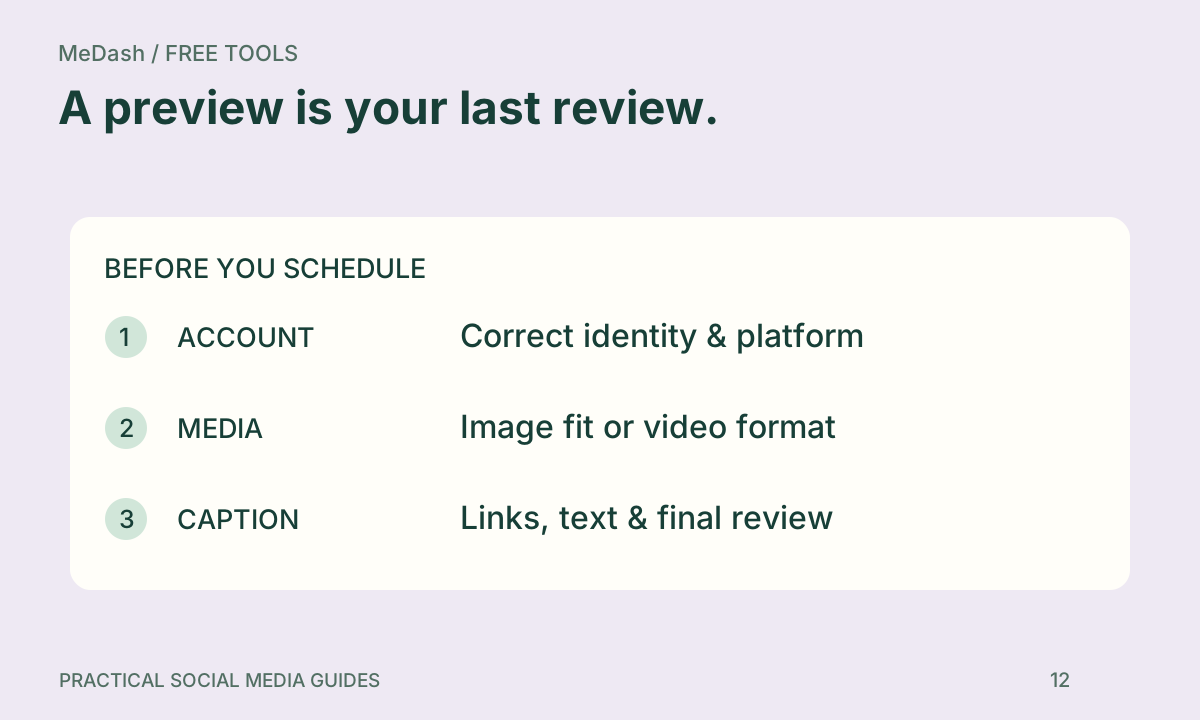
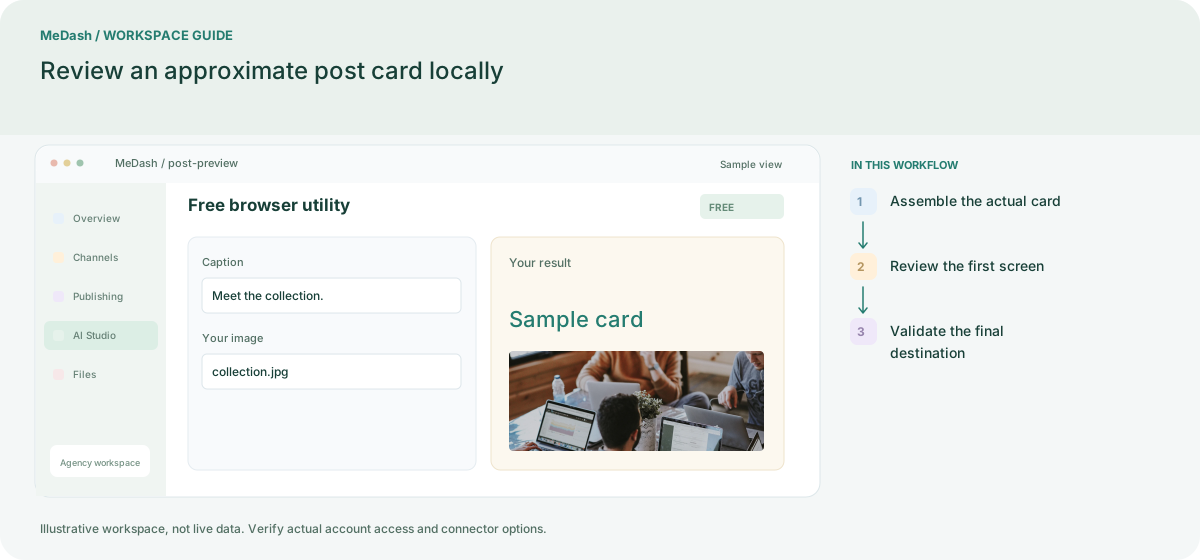
Read the whole card
Review the opening line, image subject and call to action together. Assemble your own image and caption in the free post preview. It runs locally in your browser and approximates a social card; the destination platform controls the final display.
Check three layers
- Content: names, dates, offer terms, spelling and accessibility descriptions.
- Format: aspect ratio, visible text, whitespace and link preview.
- Context: account identity, audience timezone and campaign.
Check a narrow screen
Put essential information in the caption instead of relying on a tiny image label. Inspect links with the UTM builder and count text with the caption counter. Keep a clear, readable opening before a platform collapses the remaining caption.
Confirm the final editor
Platforms can crop thumbnails and apply different mention or link rules. Local preview cannot verify remote permissions or publishing support. Check the actual connected account before scheduling, then inspect delivery status after publication.