


Convert a UTC instant into the audience’s local time
Convert a UTC instant into the audience’s local time: Convert a dated input into the selected destination time zone.; Use a named IANA zone so the selected date determines daylight-saving behavior.. Includes a review example.
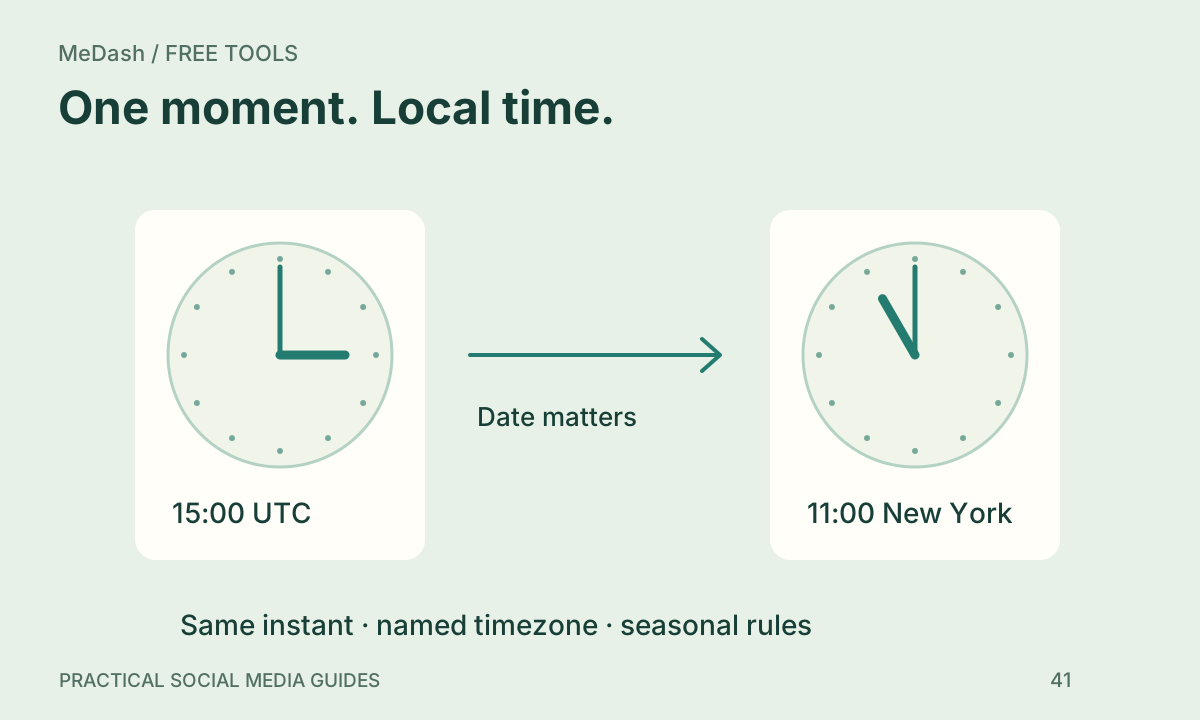
Convert a UTC instant into the audience’s local time: practical steps, handoffs and completion checks.
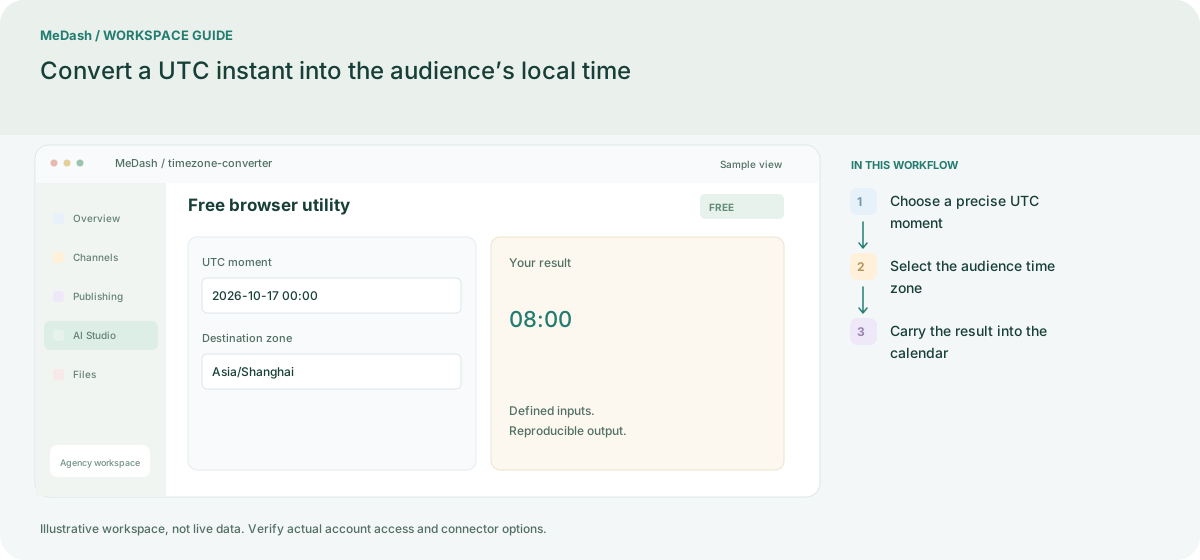
Choose a precise UTC moment
Enter the date as well as the time in UTC. A bare label such as 9 AM cannot identify the same moment for collaborators in different regions.
Select the audience time zone
Choose an IANA zone such as Asia/Shanghai or America/New_York. The browser applies the daylight-saving rule for the chosen date instead of assuming a permanent numeric offset.
Carry the result into the calendar
Copy the local date and time together with the zone. For example, 2026-10-17 00:00 UTC is 08:00 in Shanghai. Recheck the date when a conversion crosses midnight.
What to check in this workspace
2026-10-17 00:00 UTC is 08:00 in Asia/Shanghai. A location with daylight saving can have a different UTC offset on another date, so save the instant and named zone instead of relying on a fixed offset alone.
Convert a UTC instant into the audience’s local time
Enter the date as well as the time in UTC. A bare label such as 9 AM cannot identify the same moment for collaborators in different regions. Copy the local date and time together with the zone. For example, 2026-10-17 00:00 UTC is 08:00 in Shanghai. Recheck the date when a conversion crosses midnight.
Separate preparation and workspace handoffs
| Task | Separate preparation | MeDash |
|---|---|---|
| Exact moment | Share “9 AM” without a date or time zone. | Convert a dated input into the selected destination time zone. |
| Seasonal changes | Apply the same UTC offset throughout the year. | Use a named IANA zone so the selected date determines daylight-saving behavior. |
Completion checklist
- Convert a dated input into the selected destination time zone.
- Use a named IANA zone so the selected date determines daylight-saving behavior.