


Coordinate people, permissions and reusable media
Coordinate people, permissions and reusable media: Use team membership, active workspace and permitted module access.; Match the reviewer’s role and plan access to the actual assignment.. Includes a review example.
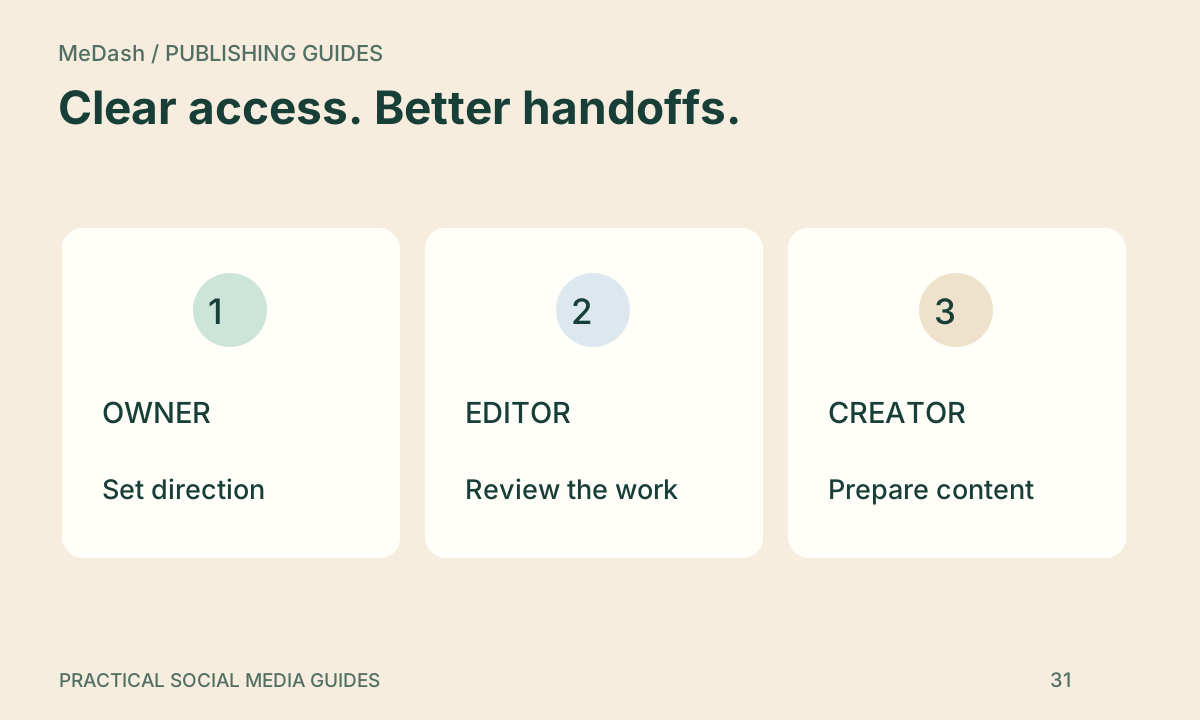
Coordinate people, permissions and reusable media: practical steps, handoffs and completion checks.
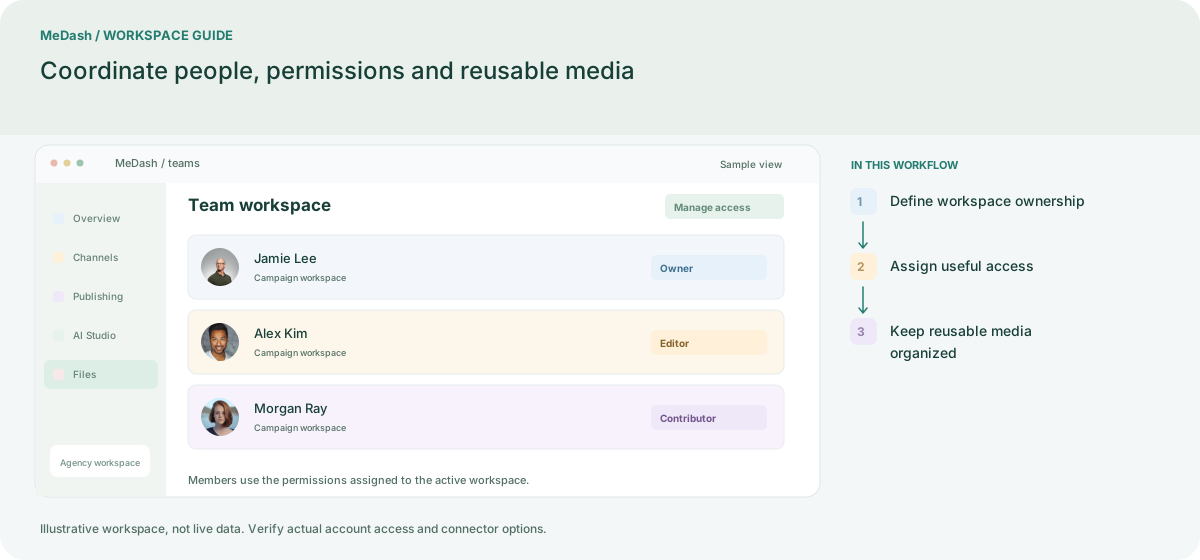
Define workspace ownership
Create the workspace around a real brand or client and confirm the plan owner. Count collaborators, connected accounts and storage against that workspace before inviting the team.
Assign useful access
Give each member the account and module access needed for their role. Keep a reviewer distinct from a contributor where the workflow requires approval, and revisit permissions when responsibilities change.
Keep reusable media organized
Use Files for approved assets and check storage usage before large uploads. Keep naming, campaign context and usage rights clear so a teammate can reuse the right version without sending passwords.
What to check in this workspace
Separate drafting, approval and account-management needs using the existing permission controls. Review member access when clients or staff change and check storage consumption before large uploads. Seat and storage limits come from current Plans.
A client review without shared passwords
An agency selects the client team, adds a permitted reviewer and prepares drafts in that workspace. The reviewer checks the assigned work while the operator retains responsibility for scheduling and delivery follow-up.
Separate preparation and workspace handoffs
| Task | Separate preparation | MeDash |
|---|---|---|
| Workspace boundaries | Share credentials and distinguish clients only through folder names. | Use team membership, active workspace and permitted module access. |
| Reviewer access | Grant broad access just to obtain a content approval. | Match the reviewer’s role and plan access to the actual assignment. |
Completion checklist
- Use team membership, active workspace and permitted module access.
- Match the reviewer’s role and plan access to the actual assignment.