


Social publishing: draft, approve, schedule and verify
Social publishing: draft, approve, schedule and verify: Keep target-specific drafts, reusable media and the calendar connected.; Use the enabled approval workflow before a draft enters delivery.; Inspect per-target records and resolve uncertain outcomes before retrying.. Includes a review example.
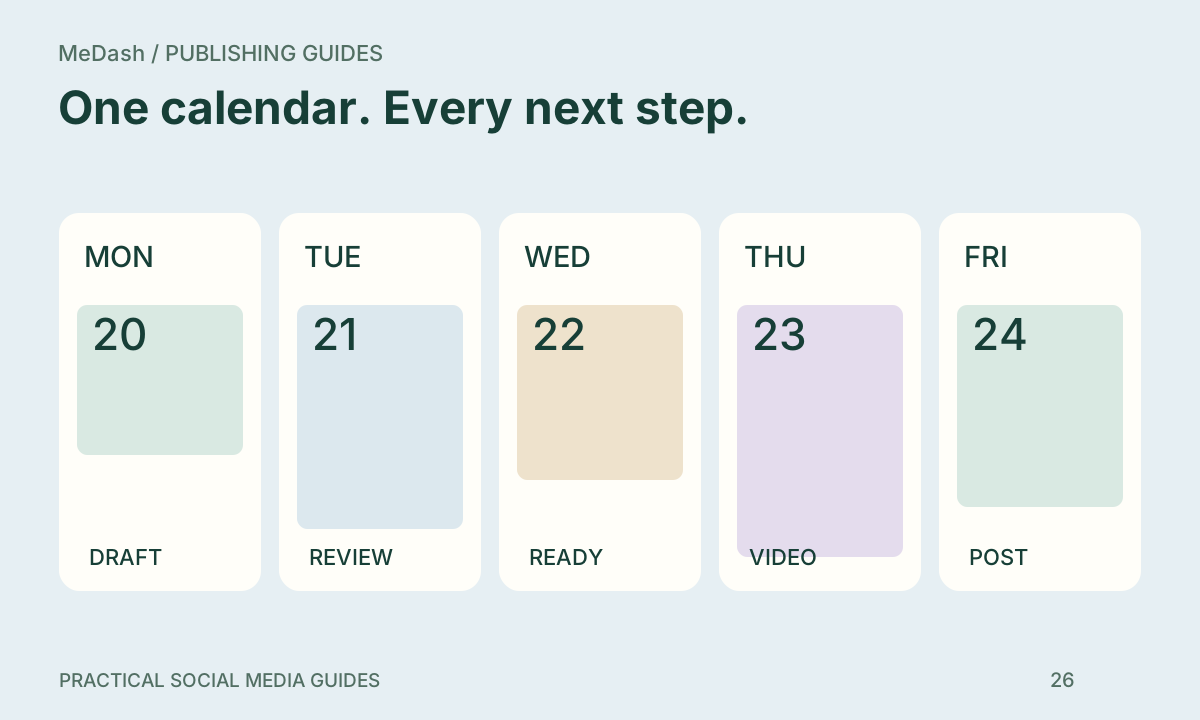
Social publishing: draft, approve, schedule and verify: practical steps, handoffs and completion checks.
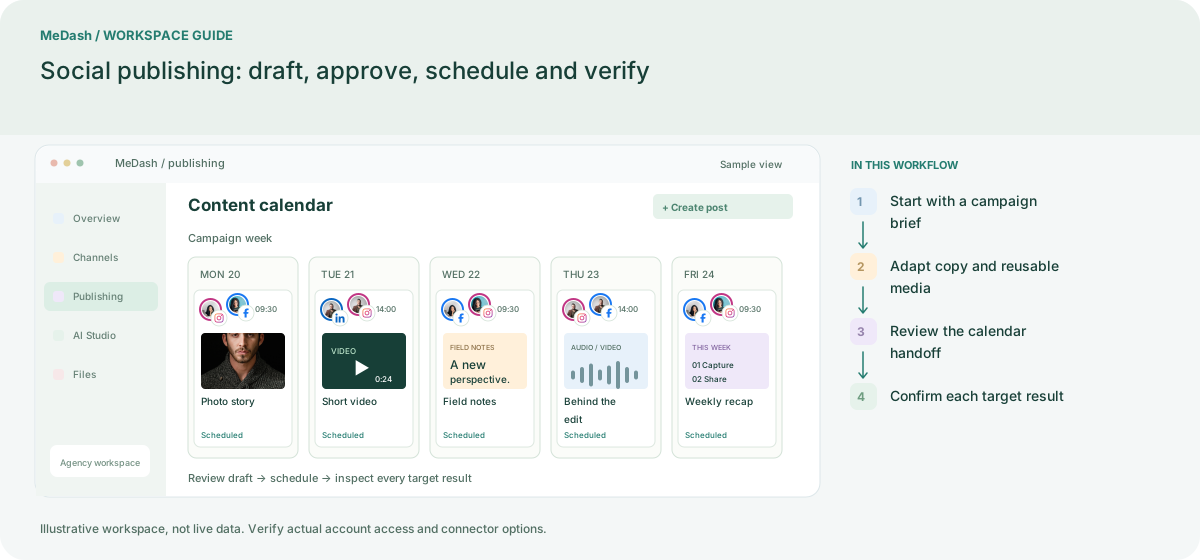
Start with a campaign brief
Set the audience, objective, owner and campaign label. Prepare the real destination link and approved source facts before creating the first draft. This gives reviewers a concrete purpose for every post.
Adapt copy and reusable media
Select only the connected accounts needed for this campaign. Reuse media from Files, tailor captions and titles for each target, and check the format validation shown by that connector.
Review the calendar handoff
Send the draft through the enabled approval workflow, then choose a time with the workspace time zone in view. Use Drafts for unfinished work, Approvals for review and Queue for delivery follow-up.
Confirm each target result
After processing, check the result for each account rather than relying on the calendar alone. Resolve a failed target separately and inspect an unconfirmed outcome before retrying. Bring the useful result back to the next brief.
What to check in this workspace
Plan limits, connected accounts, seats, AI credits and media validation shape what can be scheduled. The live plan configuration drives the available controls, so a change in the admin Plan settings is reflected in the customer workspace and its publishing choices.
A three-part launch calendar
Prepare an announcement, an explanation and a final reminder under one campaign label. A reviewer checks the source facts once, then checks each target’s media and timing. Resolve a failed target without resending successful destinations.
Separate preparation and workspace handoffs
| Task | Separate preparation | MeDash |
|---|---|---|
| Content versions | Maintain captions in documents, media in folders and dates in a sheet. | Keep target-specific drafts, reusable media and the calendar connected. |
| Approval handoff | Search chat history to determine which copy was approved. | Use the enabled approval workflow before a draft enters delivery. |
| Delivery evidence | Treat a calendar entry as proof that every account published. | Inspect per-target records and resolve uncertain outcomes before retrying. |
Completion checklist
- Keep target-specific drafts, reusable media and the calendar connected.
- Use the enabled approval workflow before a draft enters delivery.
- Inspect per-target records and resolve uncertain outcomes before retrying.